Used Cars With Android Auto For Sale San Jose, CA








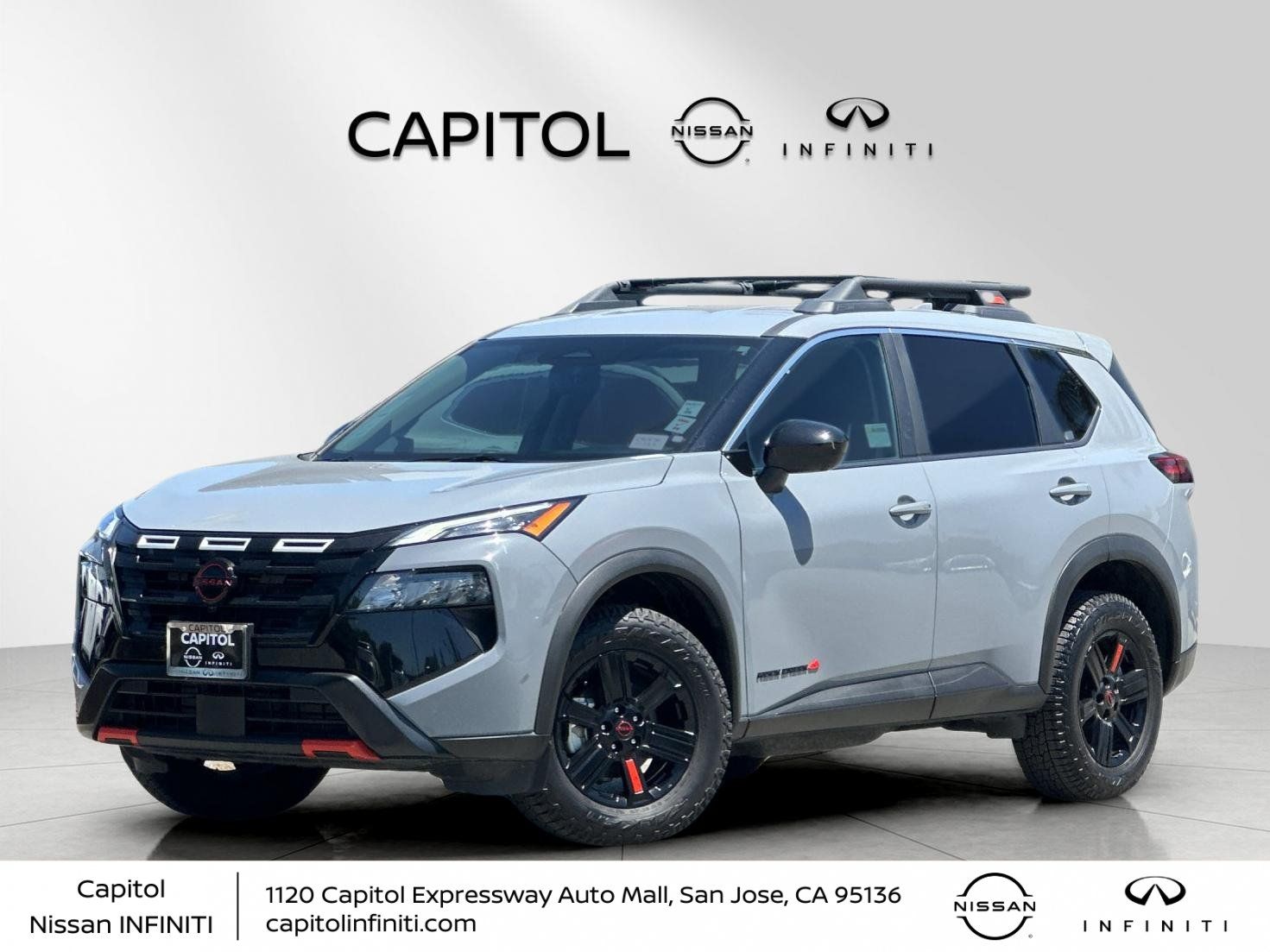




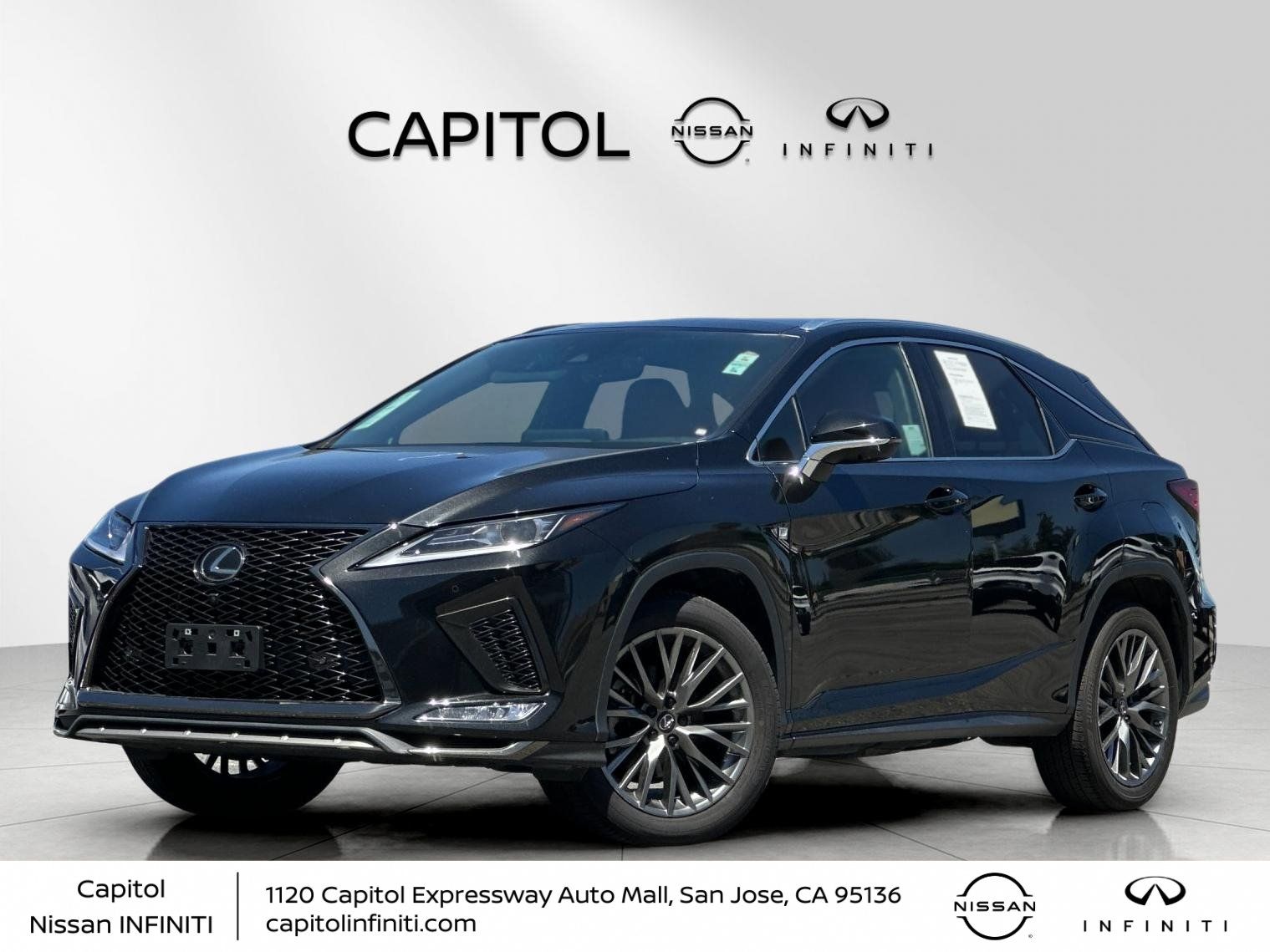



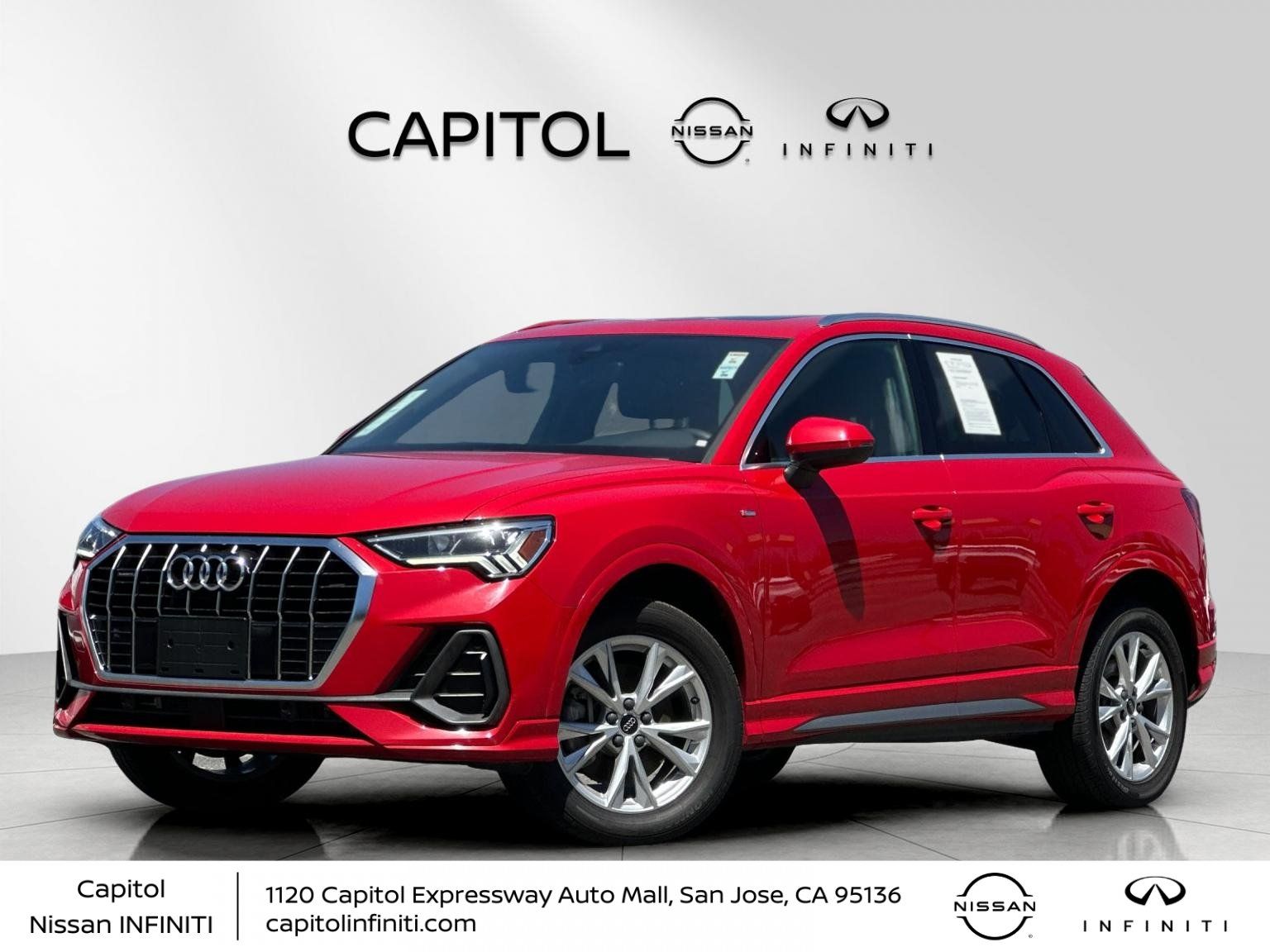
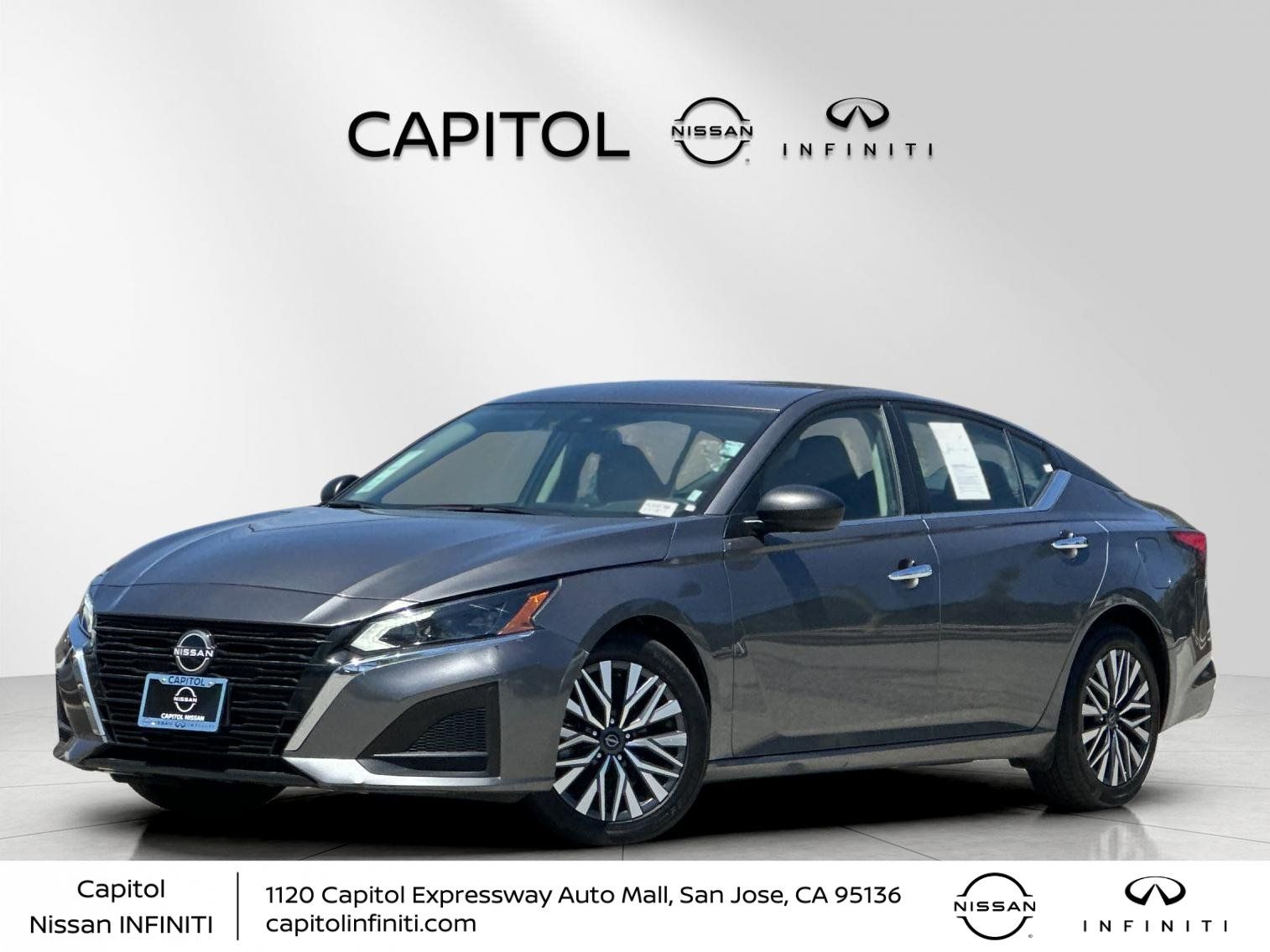
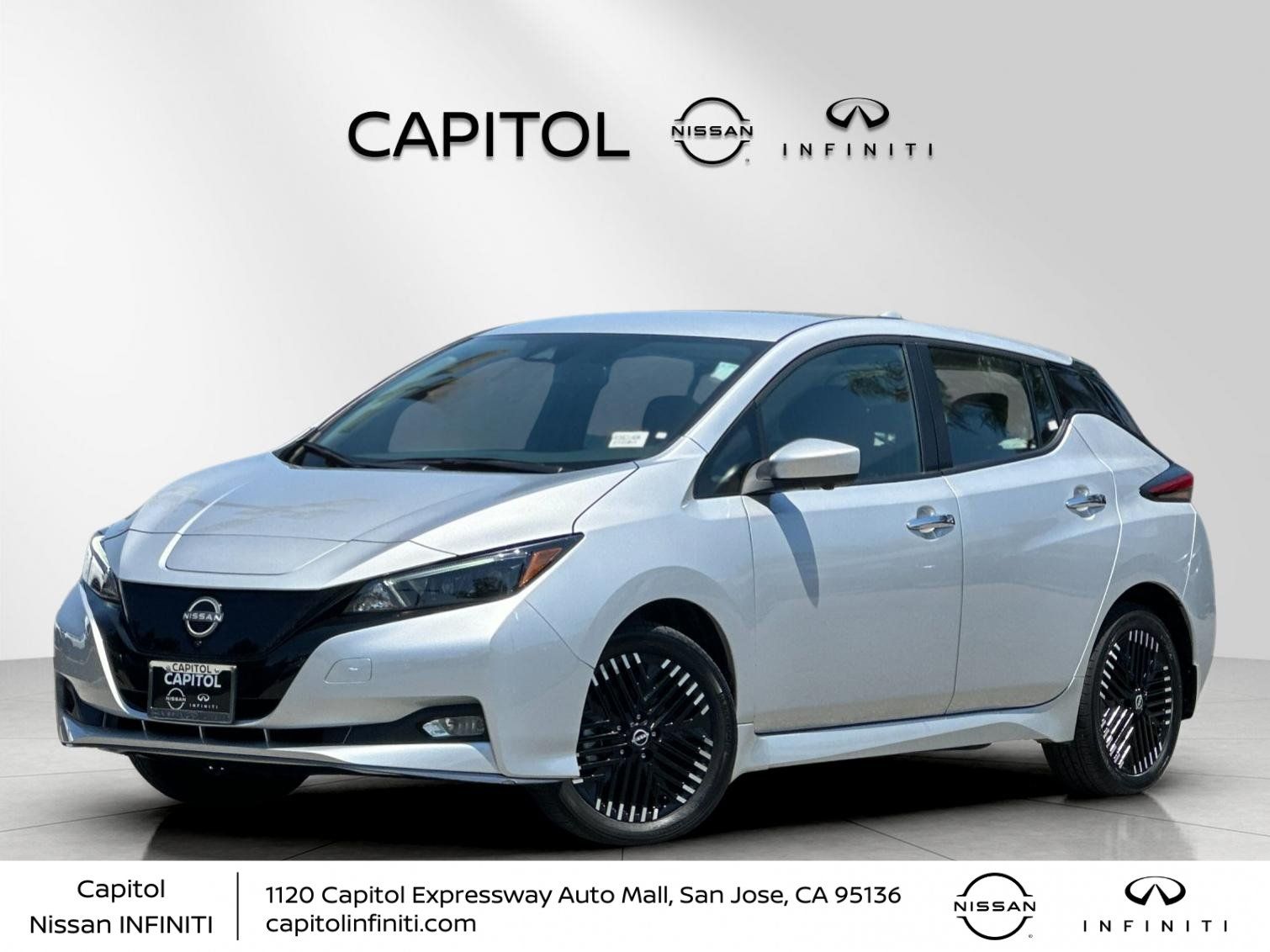

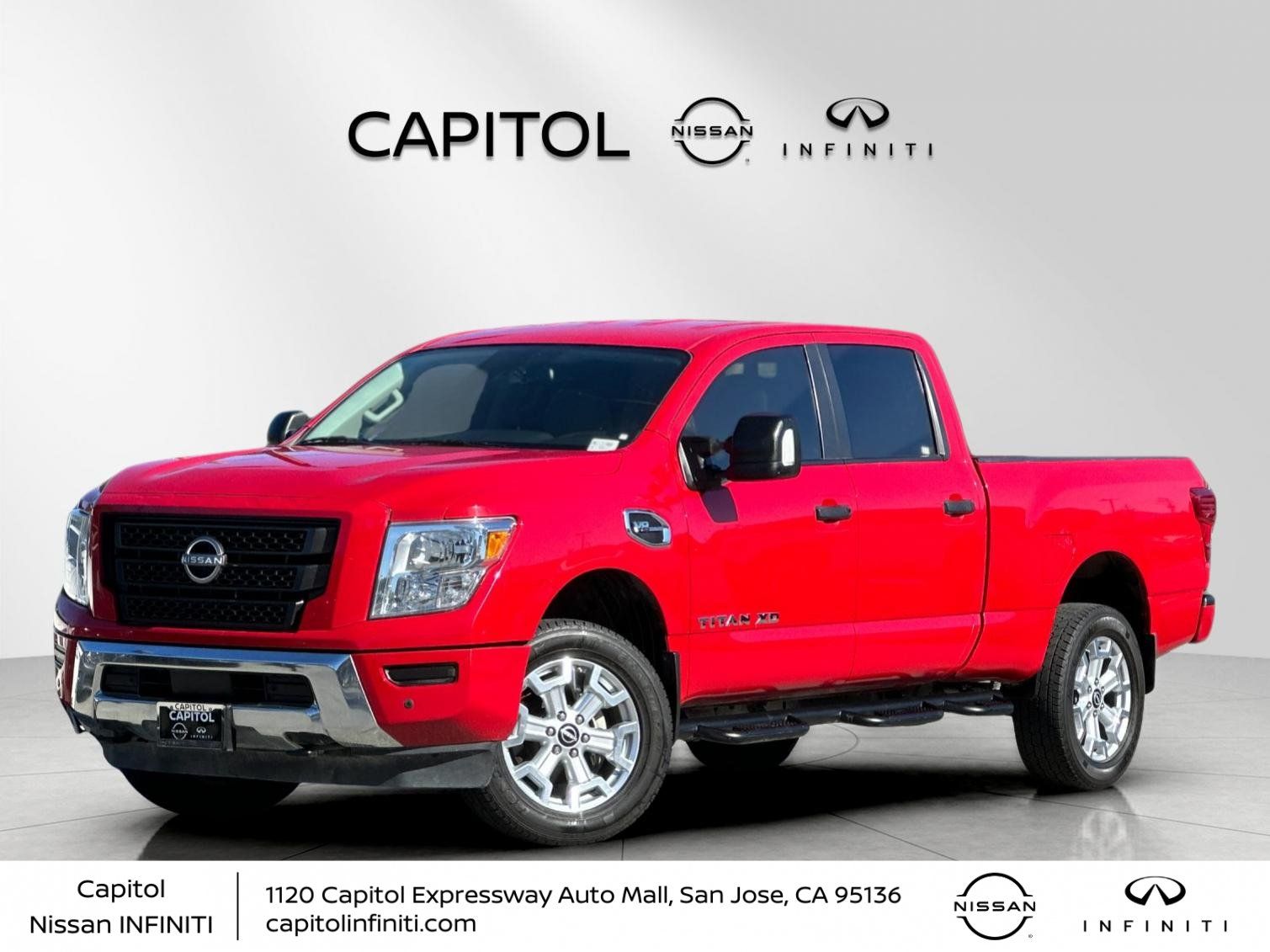
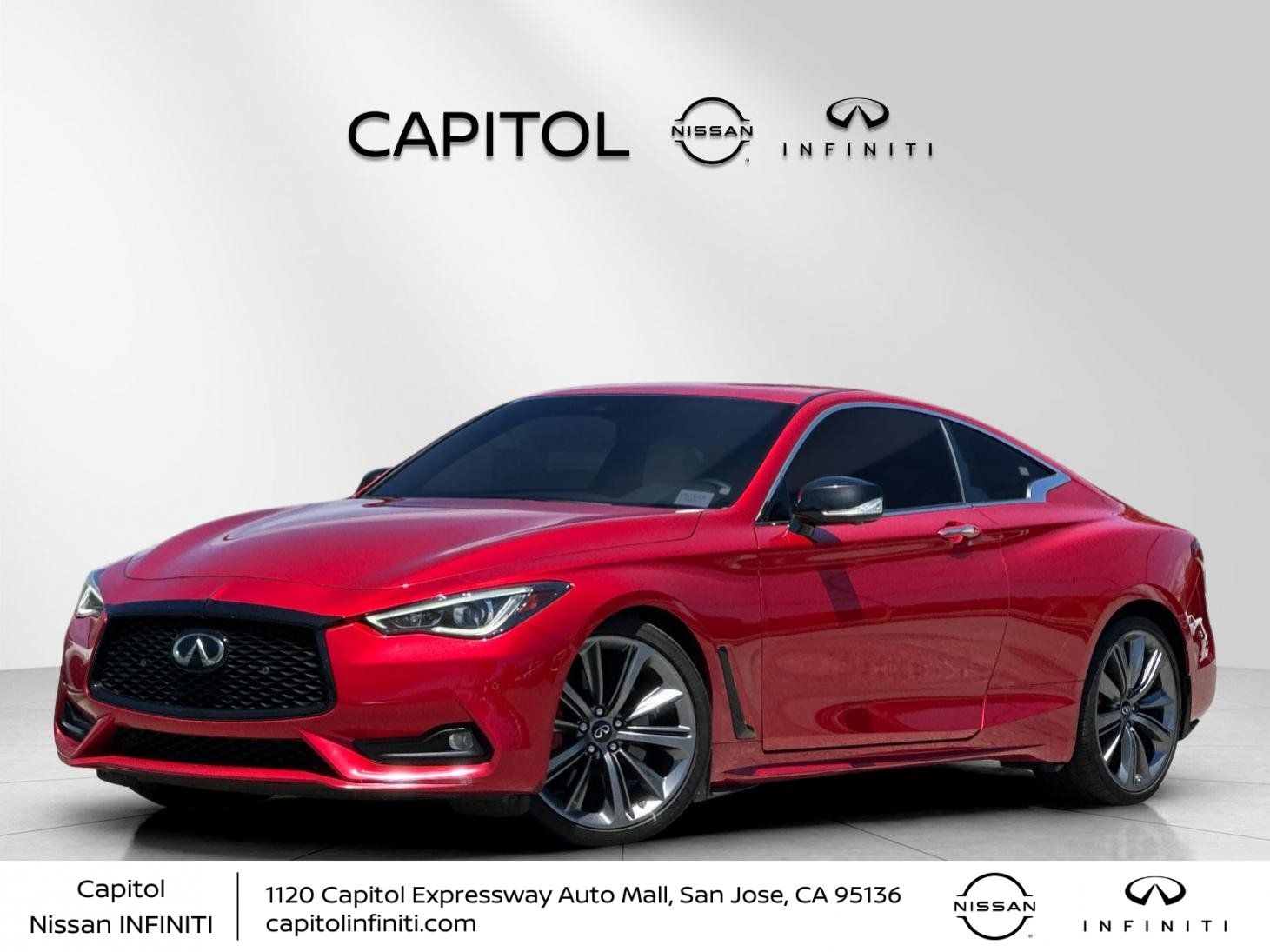

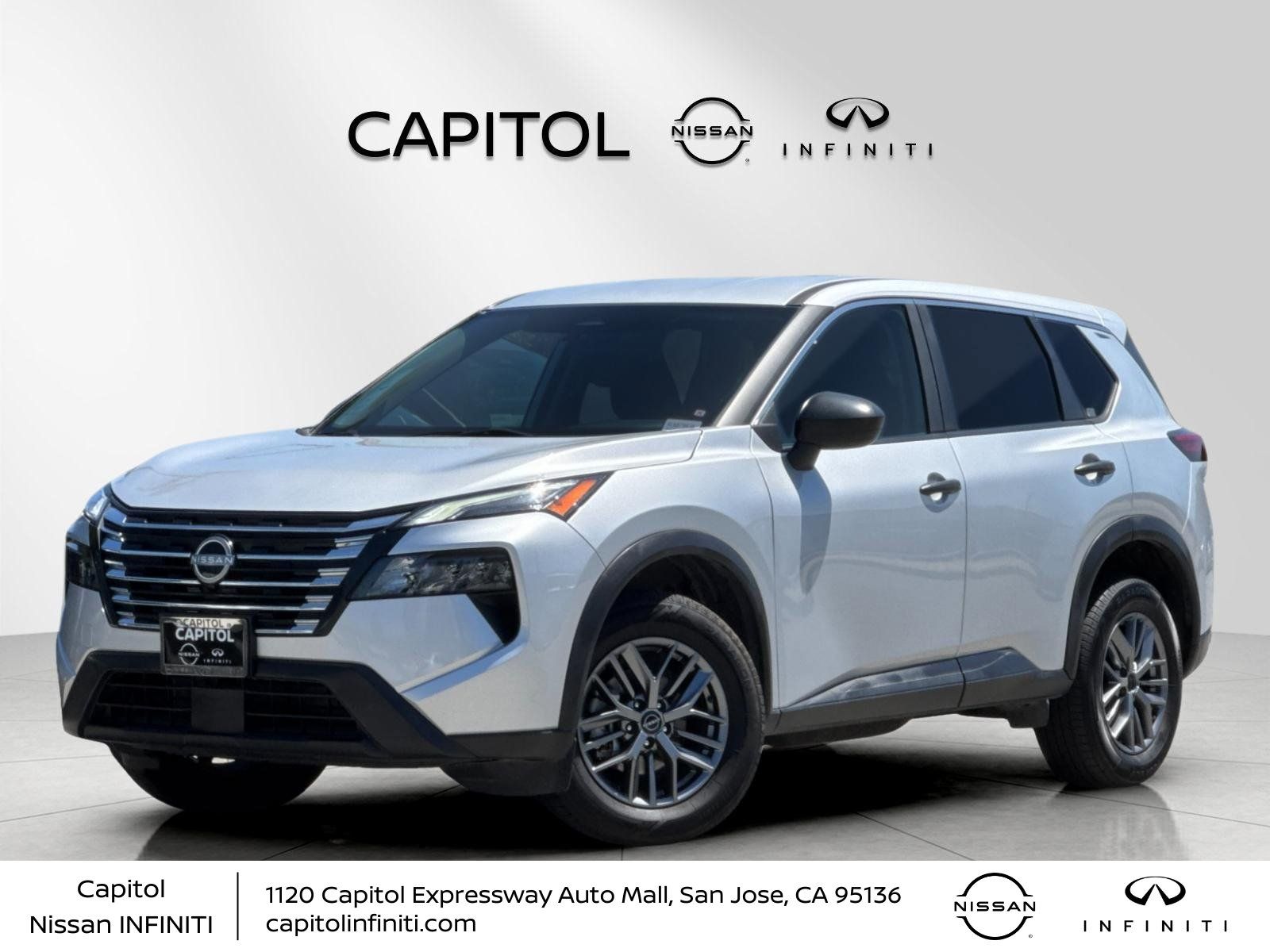
Frequently Asked Questions about Used Cars with Android Auto in San Jose, CA
Which pre-owned Nissan models typically feature Android Auto?
Many modern pre-owned Nissan vehicles, such as the Rogue, Kicks, Sentra, and Altima, offer this connectivity. Depending on the trim, you can often find systems that support both wired and wireless integration for your smartphone apps.
Can I test out the smartphone integration during a drive?
Absolutely. We encourage you to bring your own phone when you visit Capitol Nissan. Plugging into the system during a test drive is the best way to ensure the interface meets your needs for navigation and music streaming.
Is it possible to add this feature to an older vehicle?
While some aftermarket solutions exist, buying a pre-owned vehicle that comes factory-equipped with the system is generally more seamless. This ensures all steering wheel controls and display screens are fully compatible with your device.
How does this tech improve my daily San Jose commute?
By using your phone's navigation apps directly on the car's touchscreen, you stay focused on the road while receiving real-time traffic updates. It simplifies your drive whether you are heading to the Childrens Museum or navigating I-280.
Where can I view our current pre-owned inventory?
You can browse our complete collection of pre-owned vehicles online at any time. Our inventory is updated regularly, and you can filter results to find models that specifically include your preferred connectivity options.
Have Additional Questions?
Use your visit to compare Nissan options by seating position, cargo access, visibility, and the way each option fits your normal driving in San Jose, CA.
Feel free to reach out if you need assistance filtering our current selection by features or body style.
We are available to help you plan your next visit to our San Jose, CA location.
Why Smartphone Integration Matters for Your San Jose Drive
For many drivers in San Jose, CA, staying connected is about more than just convenience; it is about keeping your focus on the road. When you choose a used car with Android Auto, you gain the ability to use familiar navigation, music, and messaging apps directly through the vehicle's integrated touchscreen display.
Whether you are navigating the busy lanes of I-880 or heading to the Campbell Shopping Center for errands, having your phone's interface mirrored on your dashboard reduces the need to look at your handheld device. You can browse our current inventory to see which models currently feature these systems, helping you prioritize safety and tech during your daily routine.
- Real-time traffic navigation helps you find the most efficient routes around San Jose, CA, potentially saving time on your daily commute.
- Voice-command functionality allows you to send texts or change music tracks without taking your hands off the steering wheel or eyes off traffic.
- Seamless audio streaming ensures your favorite podcasts and playlists are ready to go the moment you start your vehicle and connect your phone.
Beyond the tech, these vehicles are often equipped with modern safety systems that complement your digital experience. When you visit us, you can see how these displays interact with other features like rearview monitors or parking sensors.
Choosing the right tech package is a personal decision that impacts how you use your car every single day. We encourage you to prioritize the features that make your specific commute more relaxing and organized.
Finding the Right Vehicle Type for Your Lifestyle
Smartphone integration is available across a wide variety of body styles, meaning you do not have to sacrifice cargo space or seating capacity to get the connectivity you want. From compact, maneuverable options like the Nissan Kicks to family-focused SUVs like the Nissan Pathfinder, there is a configuration for almost every driver.
If you primarily handle urban errands, a compact sedan or crossover might offer the best balance of parking ease and tech features. For larger families or weekend adventures to local parks, models like the Nissan Murano or the spacious Nissan Armada provide the room you need, often paired with intuitive, large-format screens that make your smartphone apps easy to read and manage.
- Compact crossovers like the Kicks offer excellent low-speed maneuvering and parking confidence, which is ideal for tight spots in busy shopping centers.
- Family-sized SUVs like the Pathfinder provide three-row seating and ample cargo room, making them a practical choice for school runs and weekend gear loading.
- Sedans like the Altima offer a balance of fuel-conscious driving and comfort, perfect for longer stretches on the Sinclair Freeway or your regular commute.
It is important to consider how your vehicle will be used before settling on a specific model. A vehicle that is great for solo highway driving might have different storage priorities than one intended for family road trips.
When you visit Capitol Nissan, consider sitting in the second row of a few different models to check for passenger comfort. Assessing cargo shapes and seat-folding mechanisms can also help you decide which model fits your specific weekend needs.
How to Compare Your Tech-Equipped Options
Comparing used vehicles with similar technology can be simplified by focusing on the interface itself and how it integrates with other vehicle controls. While the core features of your phone apps remain consistent, the size, resolution, and touch-responsiveness of the vehicle's display can differ significantly between trim levels.
Take the time to look at how the display is positioned in relation to your natural driving posture. You want a system that is easy to glance at without feeling like you are leaning forward or stretching, especially when you are navigating complex intersections or merging onto highways. If you need help with the numbers, you can get financing information to understand how different trim levels fit into your budget.
- Check the screen size and placement to ensure the interface is readable and reachable from your natural seating position in the driver's seat.
- Test the responsiveness of the touchscreen display during your visit to make sure it handles your phone's apps with minimal lag or confusion.
- Confirm if your preferred model supports wireless connectivity or if it requires a USB cable, as this can affect your preference for cabin organization and cable management.
Another factor to consider is the integration of physical buttons and steering wheel controls. Many Nissan models include buttons that allow you to adjust volume or skip tracks without touching the screen, providing a tactile experience that many drivers prefer.
Comparing these small physical details can make a big difference in your satisfaction over the long term. We suggest testing both the touchscreen menu and the physical controls to see which feels more intuitive for your personal driving style.
What to Inspect Before You Make Your Final Choice
When shopping for a pre-owned vehicle, your inspection should go beyond the technology features. While having the latest connectivity is a major plus, you should also verify the condition of the physical components that you will interact with every day, such as the seats, steering wheel, and climate controls.
Check the fabric or leather upholstery for wear and ensure that all manual seat adjustments operate smoothly. In San Jose, where summer temperatures can climb, testing the climate control system and checking that the AC cools the cabin quickly is a practical step that you should not overlook. It is also wise to check the tire condition and look for any signs of uneven wear that might impact ride comfort.
- Operate all power windows, locks, and seat adjustments to ensure they function quietly and smoothly without any sticking or hesitation.
- Test the climate control system to ensure it reaches your preferred temperature quickly, which is essential for comfort during seasonal temperature fluctuations.
- Check the condition of the steering wheel and pedals to ensure they provide the grip and feel you expect for confident highway and city driving.
Take a moment to look at the cargo area and test the liftgate or trunk operation. If you plan to load sports gear or groceries, ensure the space provides the shape and accessibility you need. A quick check of the spare tire area is also a smart move to ensure you are prepared for the unexpected.
Your visit is the perfect time to ask questions about the vehicle's history and maintenance. Understanding how the previous owner cared for the car can give you greater confidence in your decision as you prepare for your next drive.
Planning Your Visit and Final Steps
Once you have a few models in mind, planning your visit to Capitol Nissan is the best next step. We recommend scheduling a time to test drive your top choices back-to-back so you can directly compare how they handle on the road and how the tech interfaces feel in real-world conditions.
Think about your typical driving route in San Jose, CA, and try to replicate those conditions during your test drive. If you spend a lot of time on I-280, pay attention to road noise and how the steering feels at higher speeds. If you do most of your driving in town, focus on visibility and how easy it is to park the vehicle in a standard spot at a local shopping center.
- Schedule your test drive for a time when traffic is manageable so you can focus on the vehicle's features rather than just navigating congestion.
- Bring your smartphone fully charged to ensure you can test the device integration thoroughly during your time behind the wheel.
- Bring a list of your must-have features, including your preference for specific safety systems or interior materials, to help guide your final decision.
After your test drive, take a moment to sit in the car and review your notes. Consider whether the vehicle meets your needs for daily errands, family routines, and weekend activities. Having a clear set of priorities makes it much easier to move forward with confidence.
When you are ready, our team is here to assist with the next steps, from reviewing your financing options to valuing your current vehicle. Before choosing a trim, check the driver-assist features, screen layout, rear-seat space, and cargo opening against the errands or commutes you handle most often in San Jose, CA.
Ready to get started? You can check our inventory online, value your trade, or contact our team to schedule your visit today.